
Lovable and Supabase: What Cloud Provisions, Where RLS Breaks, and Four Schemas That Passed
Every Lovable app with a database is a Supabase app, whether Lovable provisions it as Cloud or you connect your own project. This guide takes both paths from Lovable's documentation, shows where the one thing that keeps user data private, row-level security, has failed on the public record and in the docs' own words, and counts the policies and verification queries in the four build kits on this site, which are the only schemas here whose policies were executed and proven rather than described.
Updated
What does Lovable Cloud provision, and how is it Supabase?
Lovable's Cloud documentation, read on 26 September 2026, lists what the built-in backend gives an app: “database, authentication, storage, edge functions, and AI”, with real-time updates. On what it is made of: “The built-in backend utilizes Supabase's open-source foundation, which means you get a production-ready environment from day one, without needing to set up Supabase separately.” It appears when a prompt needs it: “Lovable enables Cloud automatically or asks for your approval in the project chat first.” Our SaaS run did exactly that on 2026-09-26: four questions, then Cloud enabled, then sign-up, workspaces and invites, at 10.4 credits.
The other path is the Supabase integration: a workspace owner links a Supabase organisation, a project editor connects a project, and from then on “Schema changes run as reviewed migrations: Lovable writes the SQL, shows it to you, and asks for your approval in the project chat before running it.” The difference is who runs the infrastructure: on Cloud, Lovable, billed in credits (“Cloud and AI gateway usage is measured as part of Run credits”); on your own project, “you manage backups, compute, and billing in Supabase”.
| Lovable Cloud | Your own Supabase project | |
|---|---|---|
| Provisioned by | Lovable, when a prompt needs a backend, with approval in chat | You, in Supabase; then linked at the workspace and connected per project |
| Schema changes | Lovable applies them; you review policies in the Cloud section | “Reviewed migrations”: Lovable writes the SQL, you approve in chat |
| Where you see the data | “View tables, edit records, review security policies, and restore backups” from the More tab | The Supabase dashboard, SQL editor and your own backups |
| Billing | Run credits, with monthly Cloud grants on Free, Pro and Business | Supabase's own plans and compute |
| Security checks | Quick scan at publish, Deep scan on demand | Automated checks against your database configuration, including RLS coverage |
| Leaving | Migrations travel in the GitHub-synced repository; export the data | The project was always yours |
Where does row-level security break in a generated app?
The docs are direct about the stakes. Lovable's security page: “Misconfigured RLS rules are a common cause of data leaks.” Its Supabase page: “Make sure every table has Row Level Security policies that restrict who can read and write each row.” And the line that assigns the work: “You are responsible for ensuring that your app meets the security requirements appropriate for its use case, especially if it handles sensitive data or performs critical functions.” The public record agrees: CVE-2025-48757 covers insufficient row-level security in Lovable-generated projects, disputed by Lovable on the grounds that customers own their data protection, which is a fair description of where the work sits.
Three shapes account for most of it, and each is a line in the Safe-Guard section of every prompt on this site that touches user data:
| What it looks like | Why it passes a coverage check | The rule in our prompts | |
|---|---|---|---|
| The permissive policy | A policy with using (true) on a table that holds user data | RLS is enabled and a policy exists; the scan sees coverage | “Never using (true) on a table that holds user data” |
| The client-trusted id | A write that accepts user_id or workspace_id from the request body | The policy is fine; the app hands it the wrong id | “Never accept a role or workspace id from the client on writes” |
| The button as access control | An admin action hidden in the UI, callable from the console | Nothing on the database side is wrong; nothing on the database side exists | “Enforce roles in the database as well as in the UI; hiding a button is not access control” |
Coverage is not correctness, which is why the kits below ship a second file. The backend prompts carry the rules; the kits carry the proof.
What does a proven schema look like?
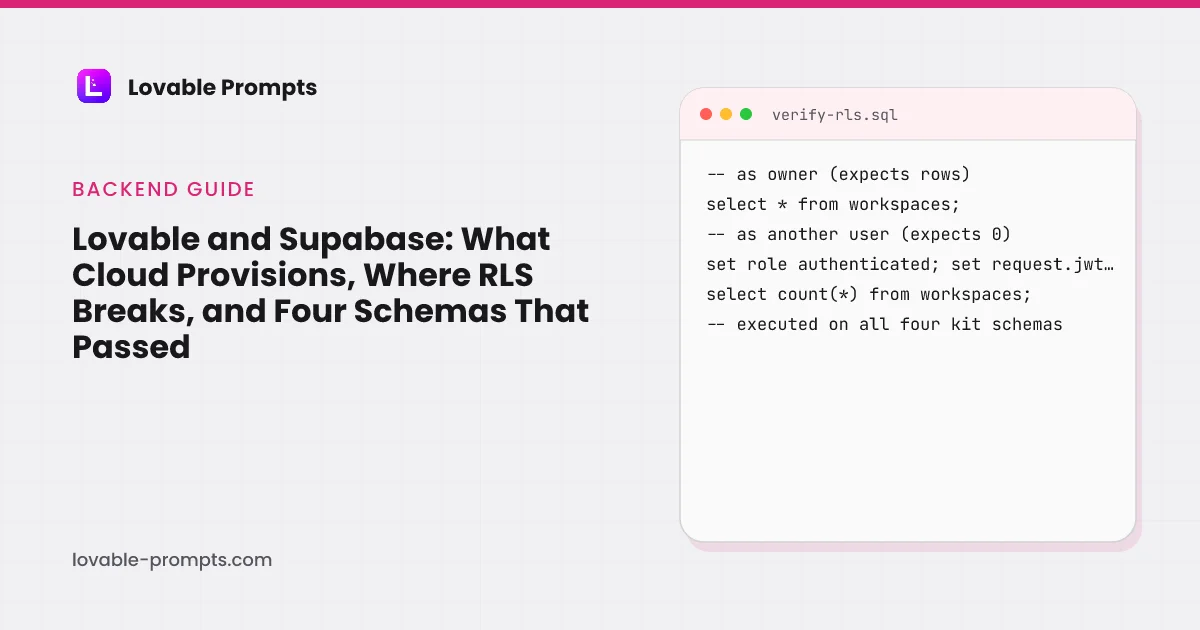
The four build kits on this site each ship a schema.sql and a verify.sql. The schema enables RLS on every table and writes the policies; the verification file is a set of queries run as different roles, some expected to return rows and some expected to return none or to be denied. The counts below are read from the kit files at build time, so they cannot drift from what the kits contain.
| Category | policies |
|---|---|
| Saas Starter | 12 (4 tables, RLS on 4) |
| Landing Page | 1 (1 tables, RLS on 1) |
| Admin Dashboard | 5 (2 tables, RLS on 2) |
| Crm | 12 (3 tables, RLS on 3) |
Counted from each kit's SQL files in src/data/templates.ts at build time on 26 September 2026.
| Tables | Policies | Verification statements | What the queries prove | |
|---|---|---|---|---|
| Saas Starter | 4 | 12 | 6 | Policy verification queries |
| Landing Page | 1 | 1 | 7 | Policy verification queries |
| Admin Dashboard | 2 | 5 | 7 | Policy verification queries |
| Crm | 3 | 12 | 7 | Policy verification queries |
- Run schema.sql: tables, RLS on, policies
- Run verify.sql as a member: expects denials
- Run verify.sql as admin: expects rows
- Check pg_tables: rowsecurity = true everywhere
- Then the UI prompt: policies already true
The setup order every kit page on this site prints, with the verification step the security docs ask for.
The kits are free, and the SaaS starter is the one to read first: its verification file is written to prove that a member cannot promote themselves to owner, which is the exact failure a permissive policy allows. The SaaS starter kit page prints both files.
How should a prompt ask Lovable for a Supabase feature?
Name the tables, the policy shape and the proof, in that order, and let Lovable choose the rest. Every backend prompt on this site follows the same three lines: RLS enabled in the same step as the table, policies that compare auth.uid() with an owner or membership column, and a request to run the verification queries as two users and report both results. Our SaaS run reported “roles are checked in the database on every read and write, not just hidden in the interface” because the prompt asked for exactly that; the prompt examples page has the screenshot. The prompting guide explains the Safe-Guard section, and the common mistakes page prices what skipping it costs.
What we did not do
- Run Lovable's Deep scan on the SaaS test project and publish its findings; the run stopped at the build and the SEO review.
- Verify the kit schemas on a Cloud project as opposed to a Supabase project; the kits were executed on Supabase directly, which is the same Postgres and the same policies, but not the same console.
- Measure Cloud run credits for a live app over a month; the credits guide has what the docs say and what our builds cost, not what hosting costs at scale.
Sources
All checked on 26 September 2026. Kit counts computed from src/data/templates.ts at build time.
Frequently asked
Does Lovable use Supabase?↓
Should I use Lovable Cloud or my own Supabase project?↓
What is row-level security, and why does it matter in Lovable?↓
Does Lovable check my RLS for me?↓
What did the SaaS run do about roles?↓
How do I take the database with me if I leave Lovable?↓
Related reading
- free build kits with tested RLS
The four schemas counted on this page.
- the SaaS starter kit
Verification queries that stop a member becoming owner.
- backend prompts for roles, jobs and RLS
The rules the kits prove.
- Lovable SaaS prompts
The foundation prompt that enabled Cloud.
- common Lovable mistakes
Trusting generated access control, priced.
- how Lovable credits work
Run credits and Cloud grants, from the docs.
- the SaaS MVP prompt, run and measured
Roles checked in the database, per the run.
- a Supabase RLS rule for Cursor
The same policy shape as an editor rule.
- how to write prompts for Lovable
The Safe-Guard section, explained.
- Lovable security
The CVE record, the two scans, and our own leak.
- Lovable and Stripe
The purchases row, the webhook that writes it, the claim route that reads it.
Written by

Marco Kohns
Founder of ProtoBites - Venture Growth Studio
Growth PM at a Silicon Valley scale-up (a16z and General Catalyst backed), ex-Techstars where he consulted 13 early-stage startups, Reforge-trained. Every prompt on this site comes out of shipping ProtoBites' own portfolio products.